Free Printable Sticker Scene Templates
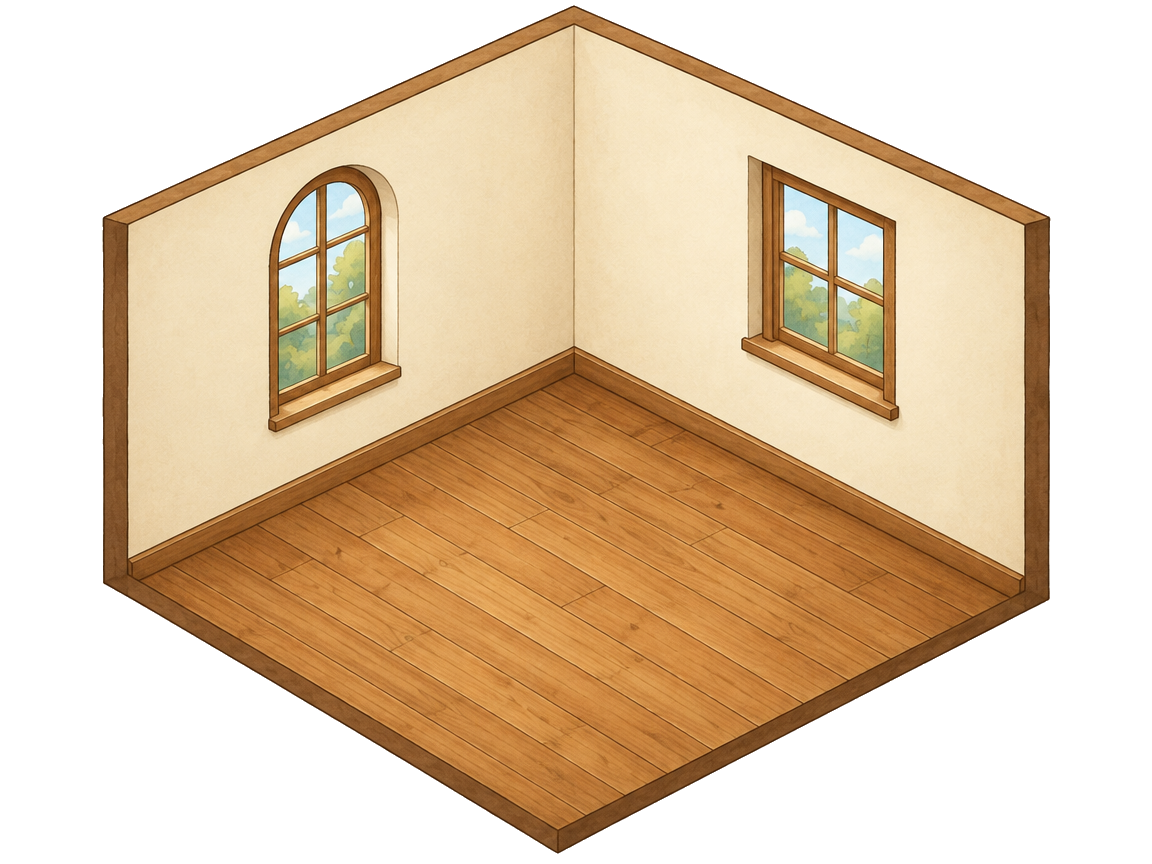
Each template is a cozy 2.5D isometric room — two walls and a floor, already drawn in perspective. Pick one, drag in its sticker pack, and print your own sticker scenes at home. Free, no sign-up.
Garden Cottage Sticker Scene
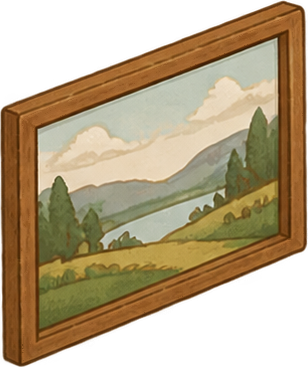
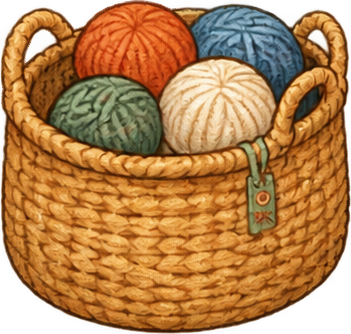
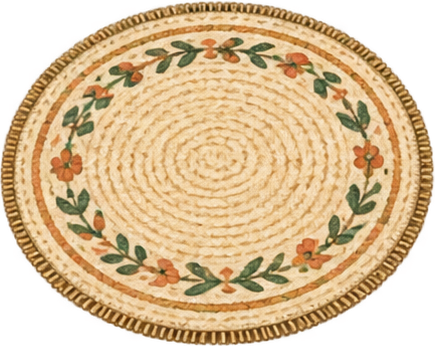
A sunlit watercolor cottage garden in soft green and warm cream — a two-wall, one-floor isometric room ready to bloom. Drag the 30 included stickers into place: potted flowers and trailing ivy climb the walls, light oak and wicker furniture leans into the corner, picnic rugs and a stepping-stone path lie flat on the floor. Print the finished scene at home or share it as an image.
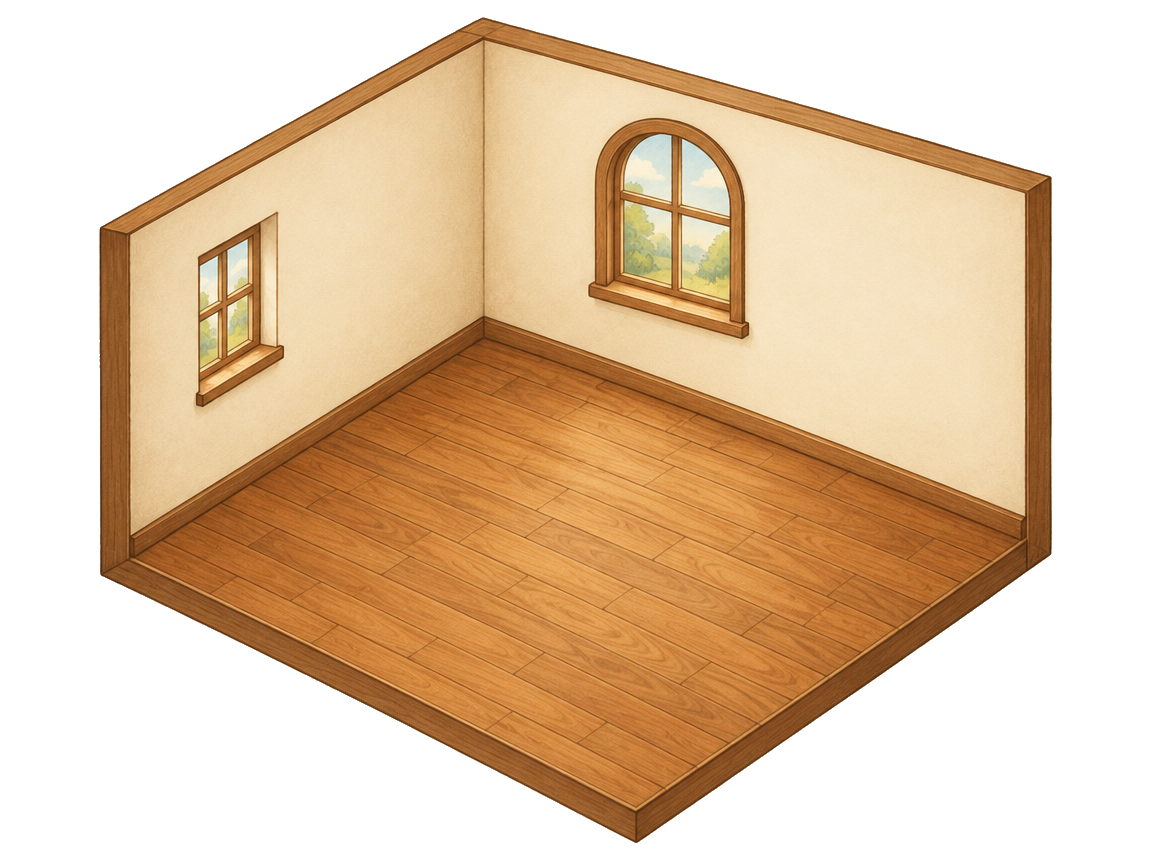 Warm Cabin Sticker Scene30 stickersFree
Warm Cabin Sticker Scene: a free printable 2.5D sticker scene template. Drag & drop the included stickers, print at home — no sign-up.
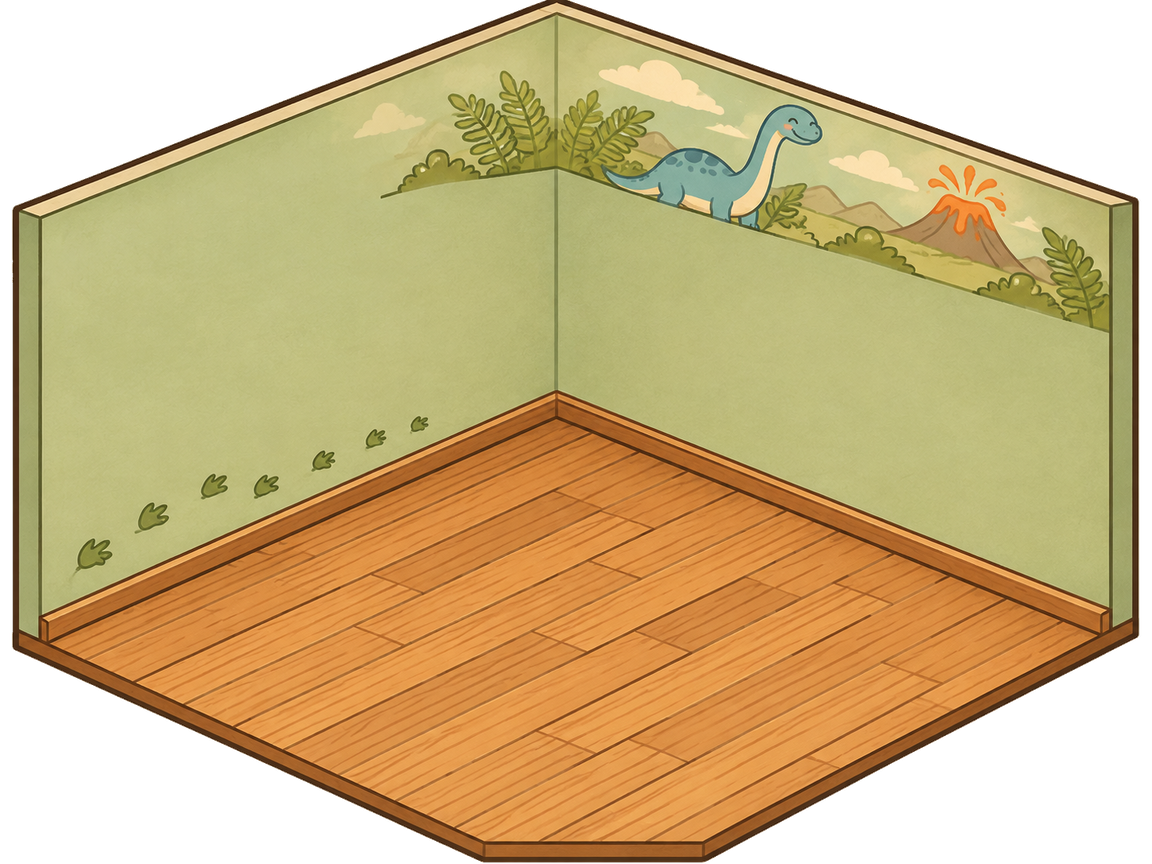 Dino Kids Room Sticker Scene30 stickersFree
Dino Kids Room Sticker Scene: a free printable 2.5D sticker scene template. Drag & drop the included stickers, print at home — no sign-up.
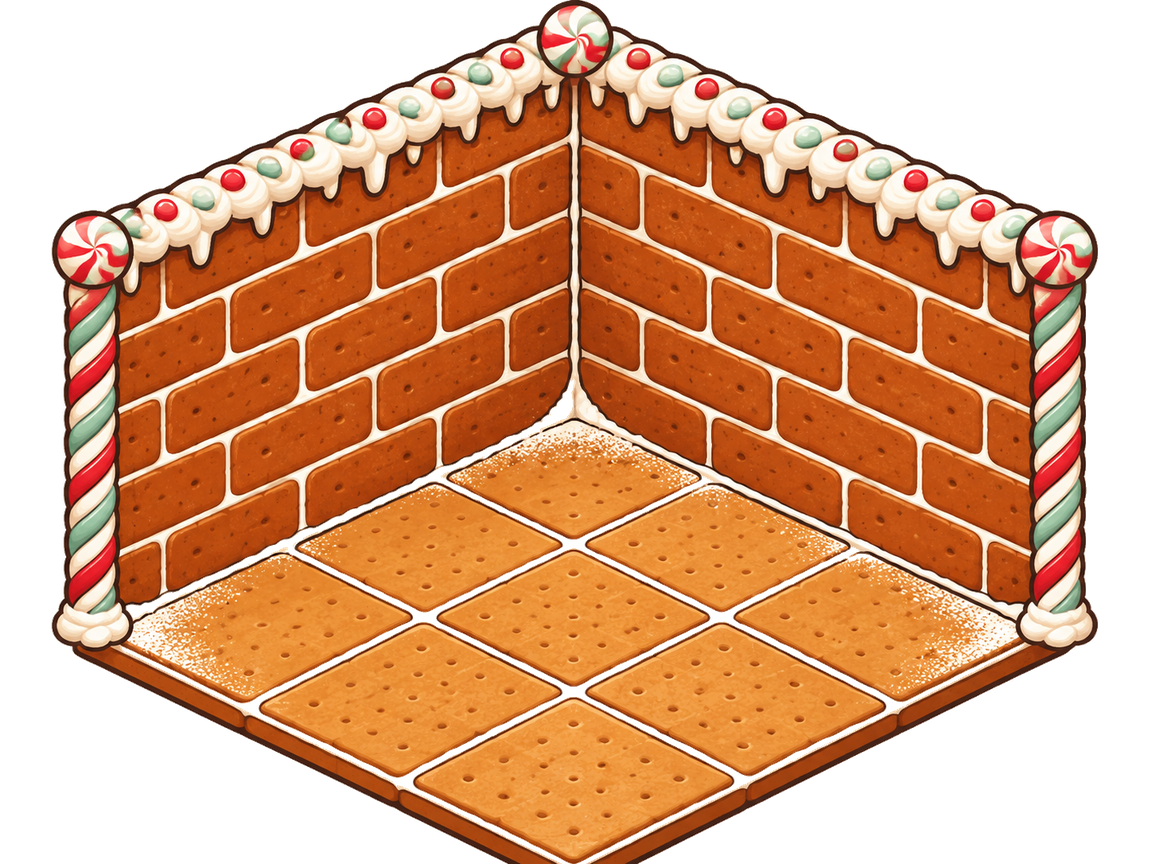 Gingerbread House Sticker Scene30 stickersFree
Gingerbread House Sticker Scene: a free printable 2.5D sticker scene template. Drag & drop the included stickers, print at home — no sign-up.
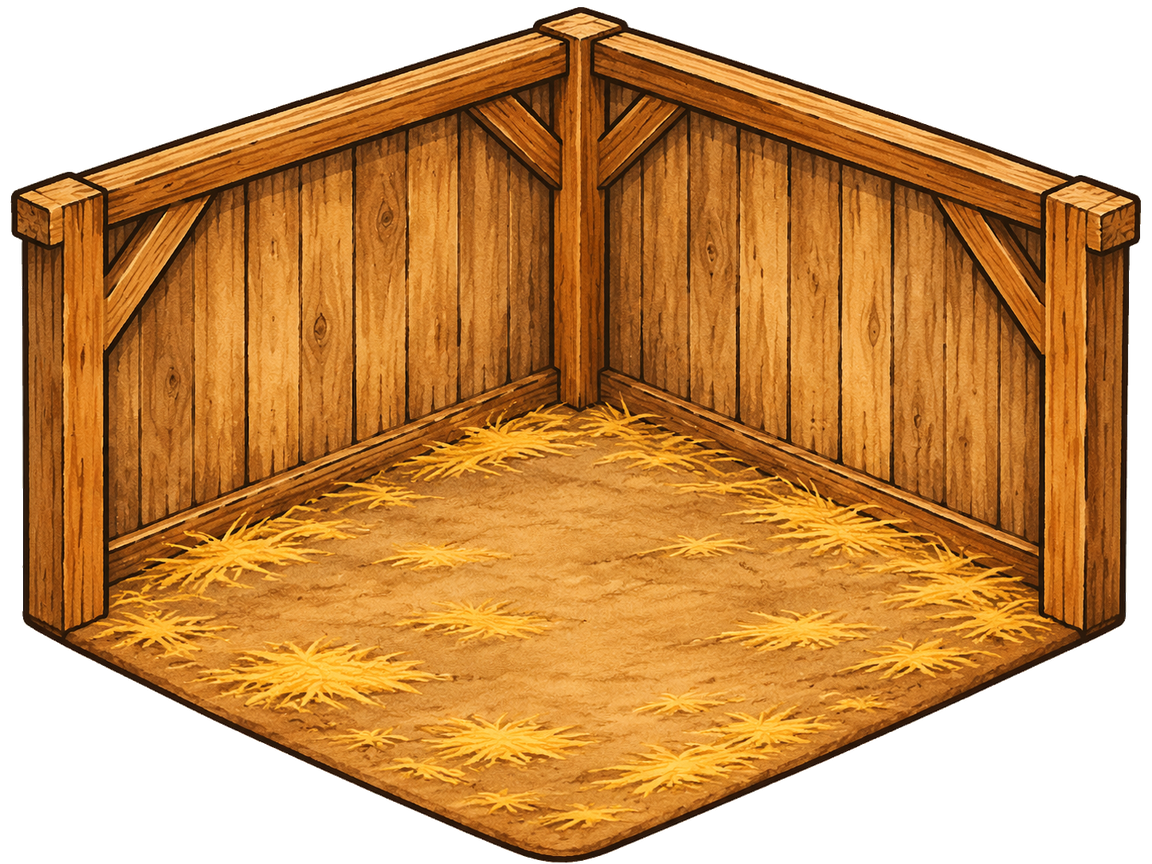 Nativity Stable Sticker Scene30 stickersFree
Nativity Stable Sticker Scene: a free printable 2.5D sticker scene template. Drag & drop the included stickers, print at home — no sign-up.
Make your own theme
The shelf above is hand-drawn — but your room does not have to be. Describe any theme in one sentence and the planner drafts a full 2.5D room with its own 30-sticker pack: five printable sheets, the same snap-into-place angles as every template here.
One sentence is enough — an AI planner turns it into a room, a 30-sticker pack and five printable sheets. Saved to your account.
Your themes
Loading your themes…
How these printable sticker scene templates work
A template is a head start, not a finished picture. Open one and the room is already there — two walls, a floor, the perspective worked out. What remains is the fun part:
- Pick a room — browse the shelf, open the one you like, and it loads straight into the editor.
- Place the stickers — every template carries its own pack, and each piece snaps onto the walls or floor at the angle of the room.
- Print the page — export a print-ready sheet, print at home, and cut your scene out at the kitchen table.
That is the whole loop. When a room catches your eye, open the free sticker scene editor and see how far a sticker pack will take you.
Print your scene at home on A4 or A3
Printing is where a template earns its keep. Exports come as print-ready pages sized for A4 or A3 paper, with crop lines marking where the scissors go. A 100mm check strip sits on the sheet — measure it once with any ruler and you know the whole scene came out true to size.
The backdrop prints too: the full room background goes on paper anywhere from 300 to 600 mm wide, so the stickers stand inside a printed room instead of loose on a white sheet. No cutting machine — a pair of scissors is the entire toolkit.
Curious what a finished one looks like? Browse finished sticker scenes in the gallery.
What is a 2.5D isometric room template?
Think of it as an empty stage set. The room — two walls and a floor — was drawn once from a fixed isometric angle: the slightly tilted view you get looking into the corner of a room. The angle never shifts while you work, and every guide line was plotted to match it.
The stickers were drawn at that same angle, and that is the whole trick behind the snap. Drag a bookshelf toward the left wall and it arrives already leaning the way the wall leans, so it reads as standing inside the room rather than pasted on top of it. You get the depth of a paper diorama without drawing a single line.
Five rooms live today — more are being cut
The shelf now holds five themed rooms: the original Warm Cabin, a nativity stable for the Christmas story, a gingerbread house candy kitchen, a dinosaur kids room, and a bright garden cottage — every one free to open, arrange and print.
Every room follows the same recipe — a 2.5D space, its own 30-sticker pack, print-at-home pages — and the drawing board stays busy: seasonal rooms for the turn of the seasons, holiday scenes for the days worth marking, tiny shops crammed with shelves and counters.